Getting Started
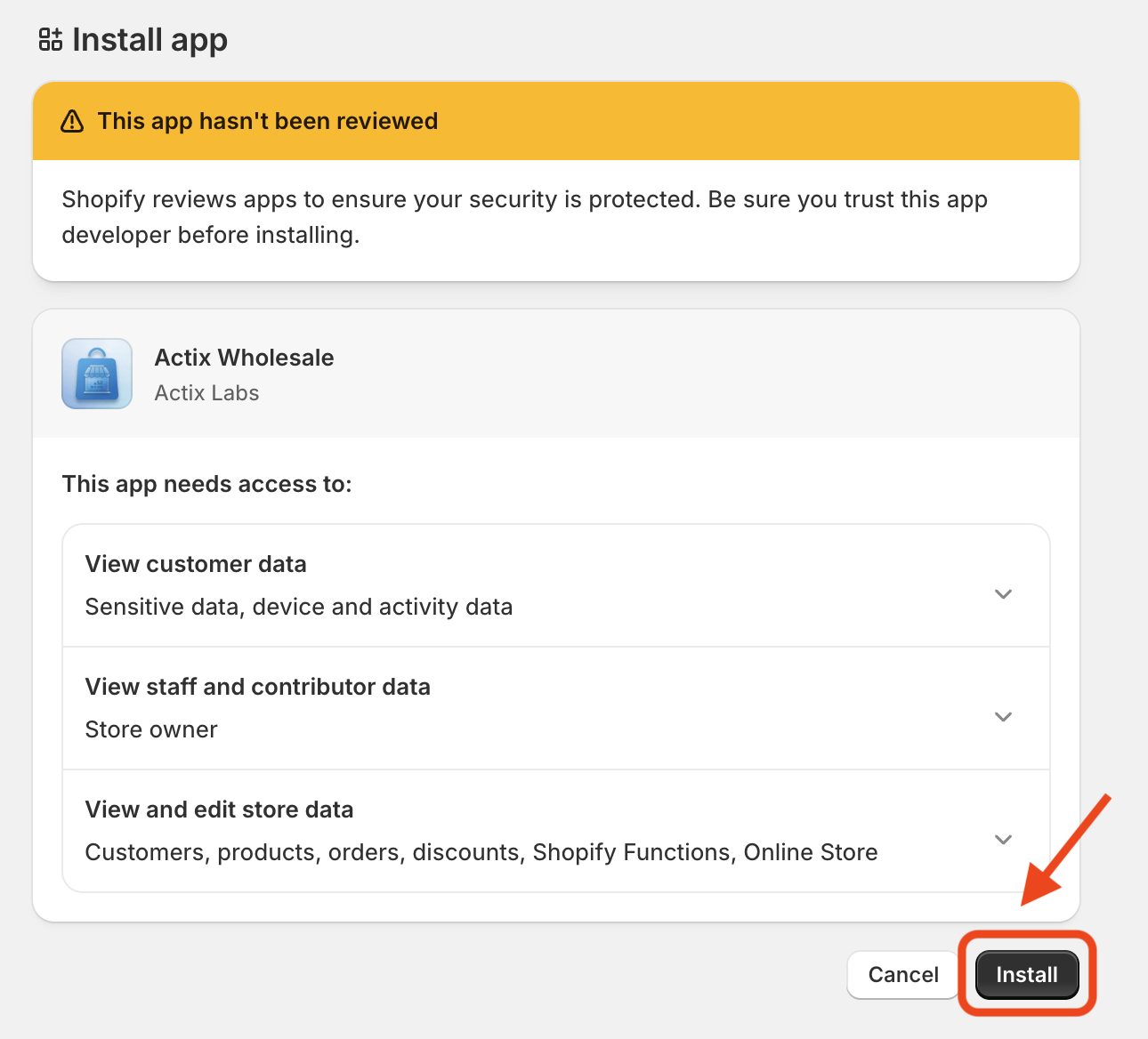
Step 1: Install Actix Wholesale
- Install Actix Wholesale from Shopify App Store.
Step 2: Enable App Embed
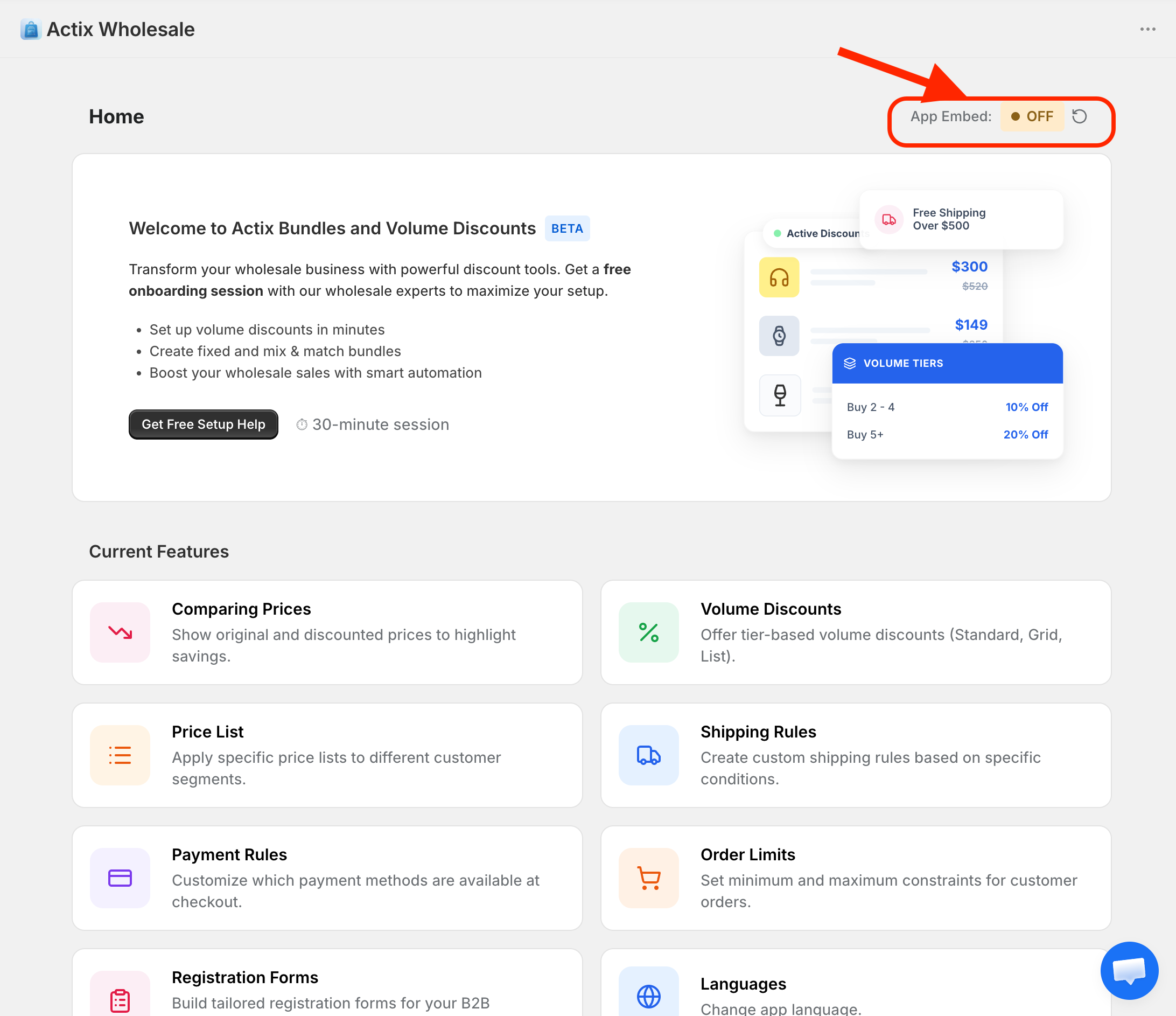
After installation, you will be redirected to the Actix Wholesale dashboard. By default, the App Embed is disabled. You must enable it to start using the app features.
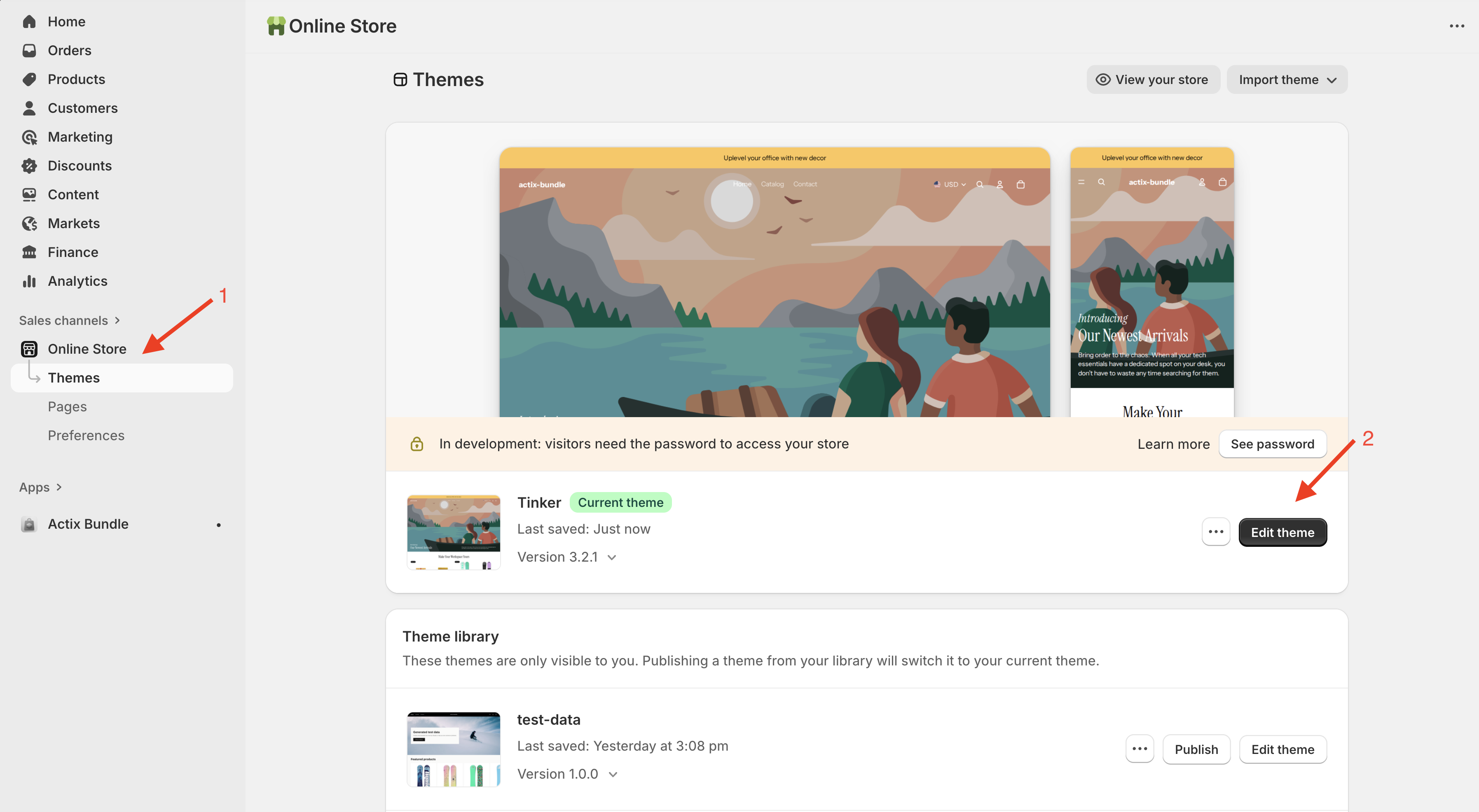
- Click on the
Online Storetab in the left sidebar. - Click on the
Edit themebutton. - In the theme editor, click on the
App embedstab on the left.
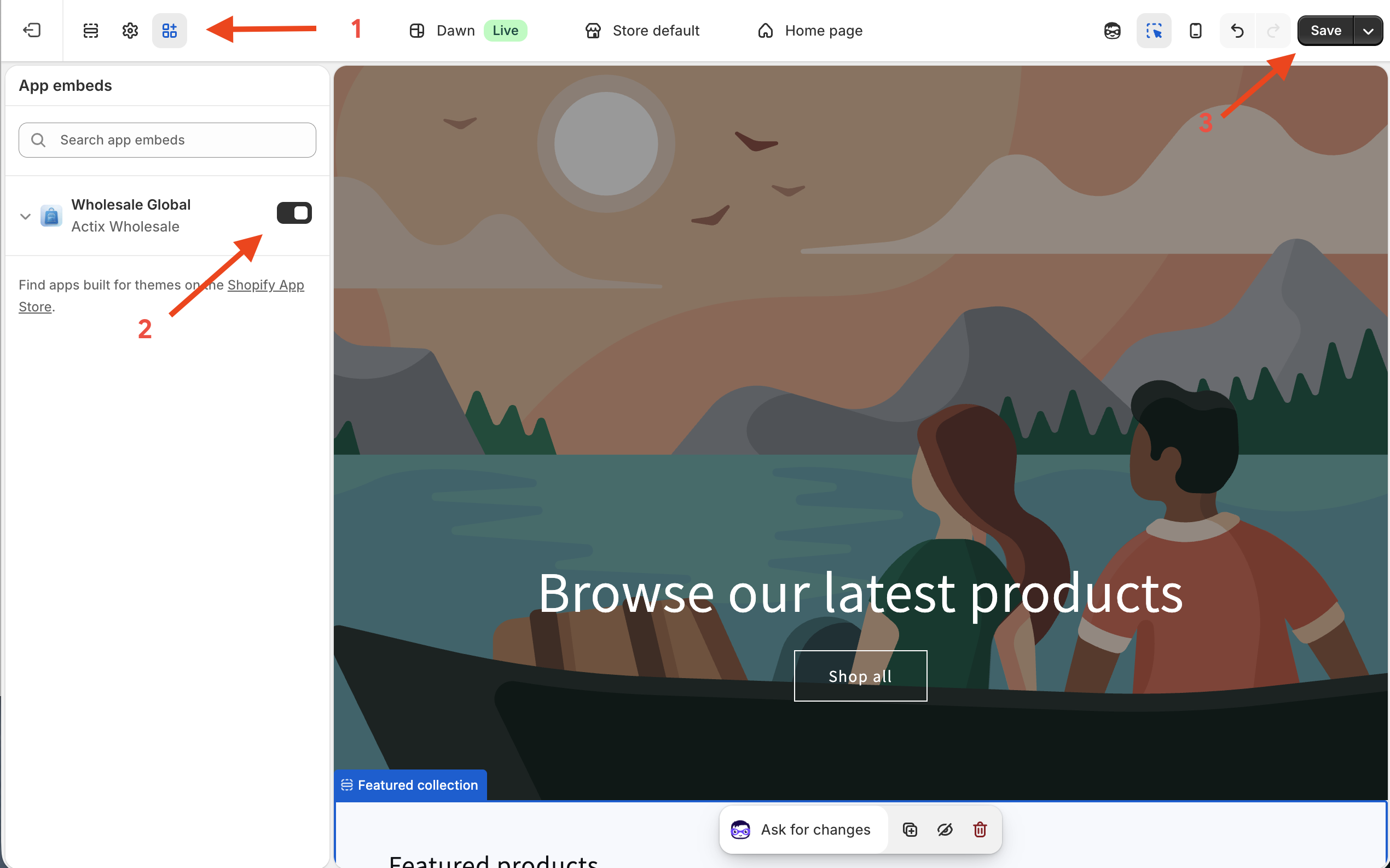
- Find the
Actix Wholesaletoggle button and switch it to On. - Click
Saveat the top right.
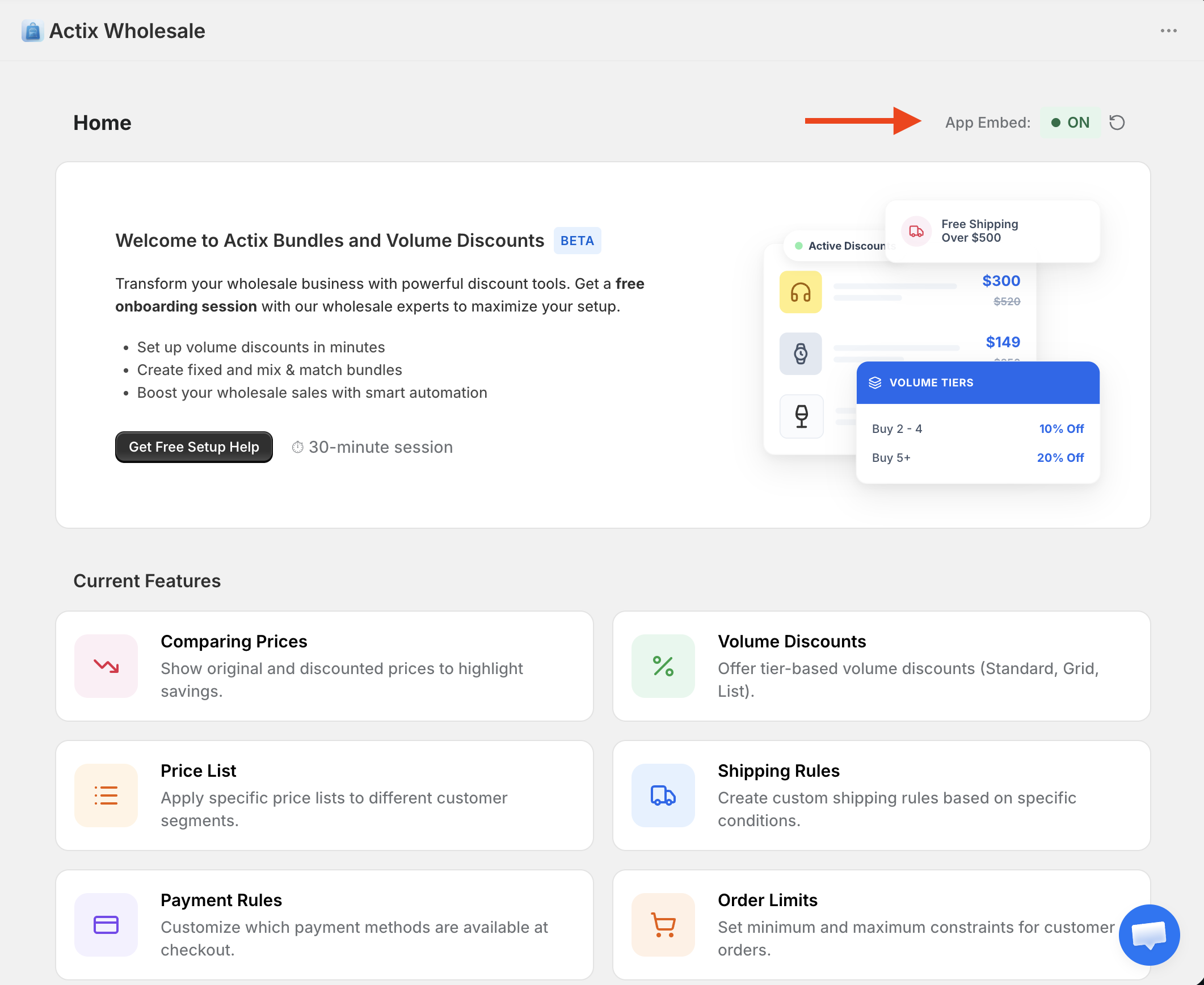
- Return to the Actix Wholesale dashboard and refresh the page. The
App Embedstatus should now show asOn.
For support or questions, reach out to us at tech@actixlabs.com.